

7 Fixes for Google Ads Not Converting (2026 Guide)
7 Common Reasons for Google Ads Not Converting (And How to Fix Them)
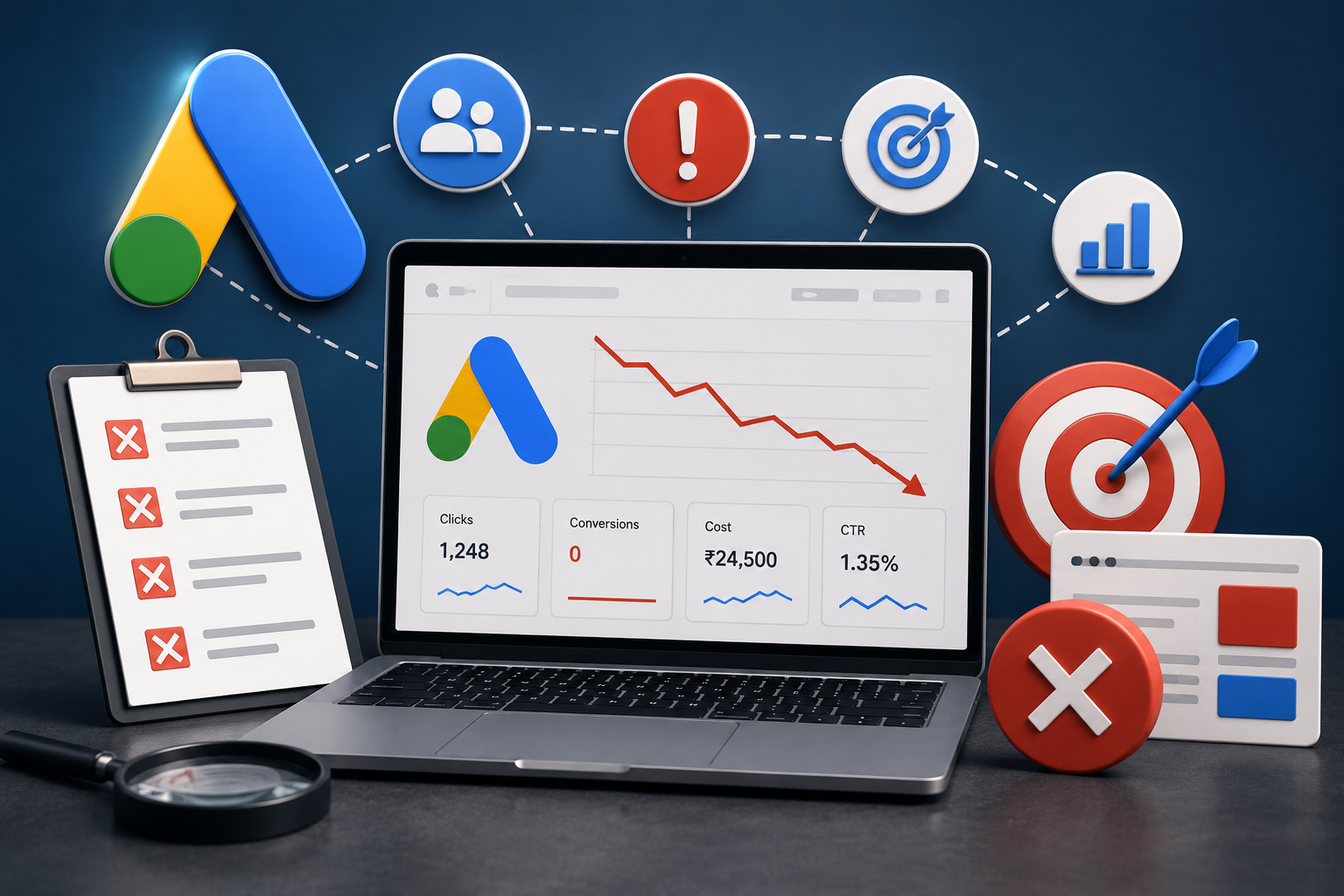
Are your Google Ads not converting even though the clicks keep coming and the budget keeps draining? You’re getting traffic, you’re paying for every visit, but the leads and sales just aren’t showing up and you’re left wondering where all that money actually went.
If your Google Ads aren’t converting, you’re not alone, and the problem usually isn’t Google. In almost every Google Ads account we audit, the campaign is technically “running fine” but quietly leaking money because of a handful of fixable mistakes. Clicks are easy to buy. Conversions are earned through the right setup, the right targeting, and the right landing page on the other end of the click.
Here are the seven most common reasons your Google Ads aren’t converting and exactly how to fix each one.
1. Your Google Ads conversion tracking is broken or missing
This is the silent killer behind most low-converting Google Ads accounts, and it’s the first thing to check. If your conversion tracking isn’t set up correctly, you’re flying blind: Google doesn’t know which clicks turned into customers, so its automated bidding has nothing useful to optimize toward. You end up paying for clicks instead of results.
It’s a bigger issue than most advertisers realize. In 2026, standard cookie-based tracking can miss a large share of real conversions, often cited at 30–50% because of browser privacy restrictions and cookie blocking. If Google’s algorithm can only “see” half of your conversions, it’s making bidding decisions on half the picture.
How to fix it: Confirm your conversion action is actually firing (test a real submission with Google Tag Assistant). Turn on Enhanced Conversions, which uses securely hashed first-party data like email and phone to recover conversions that cookie tracking misses. Track qualified actions, not vanity ones counting every page view or PDF download as a “conversion” teaches Google to chase low-value clicks. And pass conversion values where you can, so smart bidding optimizes toward revenue, not just volume.
2. You’re sending Google Ads clicks to your homepage
Your homepage is built to introduce your whole business. A Google Ads visitor doesn’t want your whole business they searched for one specific thing and they want that one thing, fast. Drop them on a generic homepage and they’ll bounce while you pay for the click. This single mistake is responsible for a huge share of clicks that never convert.
How to fix it: Send every Google Ads campaign to a dedicated landing page built around that exact offer. One clear headline, one promise, one action. Strip out the navigation menu and competing links so there’s only one logical next step: contact, buy, or book.
3. Your ad and your landing page don’t match
If your ad promises “Affordable Website Design from ₹15,000” and the landing page opens with a paragraph about your company history, the visitor feels a disconnect and leaves. This gap between what you advertised and what they land on known as poor message match is one of the biggest reasons Google Ads don’t convert.
How to fix it: Make the landing page headline mirror the ad. Same offer, same language, same price point. The visitor should feel they’ve arrived in exactly the right place within two seconds. Strong message match also improves your Quality Score, which lowers your cost per click and stretches your budget further.
4. You’re targeting the wrong keywords
Not all clicks are worth the same. Someone searching “how does Google Ads work” is just researching; someone searching “Google Ads agency near me” is ready to hire. If your budget is going to broad, top-of-funnel searches, you’ll get traffic that was never going to convert. This gets worse when broad match keywords run without guardrails Google will happily spend your budget on loosely related searches that have nothing to do with your offer.
How to fix it: Prioritize high-intent, commercial keywords (terms with “buy,” “hire,” “near me,” “price,” “best,” or your specific service plus location). Use broad match only when you have solid conversion data and smart bidding guiding it otherwise keep tighter control with phrase match.
5. You have no negative keywords
This is the leak that drains Google Ads budgets the fastest. Without negative keywords, your ads show up for searches like “free,” “jobs,” “salary,” “DIY,” or “course” clicks from people who will never become customers. You pay for every one of them, and none of them convert.
How to fix it: Build a negative keyword list and review your search terms report every week. Any irrelevant query that triggered your ad gets added as a negative. A clean account will have an ever-growing negative keyword list that’s a sign it’s being managed properly, not a problem.
6. Your ad copy and offer aren’t compelling
Sometimes the targeting is fine and the landing page is fine, but the ad simply doesn’t give anyone a reason to click and convert. Vague copy like “Quality Services, Contact Us Today” blends into every competitor on the page. No offer, no urgency, no reason to choose you over the other four ads above the fold.
How to fix it: Lead with a specific, concrete benefit and a real offer a discount, a free audit, a guarantee, a starting price. Add a clear call to action that tells people exactly what to do next. Use ad extensions (sitelinks, callouts, call buttons) to take up more space and give more reasons to click.
7. You’re treating your Google Ads as “set and forget”
Google Ads is not a slow cooker. Accounts that are launched and then ignored almost always decline costs creep up, irrelevant searches sneak in, and winning ads never get scaled because nobody’s looking. Modern smart bidding also needs a steady stream of clean conversion data to keep improving; starve it and performance stalls.
How to fix it: Treat optimization as ongoing. Each week review search terms, pause what’s underperforming, scale what’s working, test new ad variations, and keep feeding the algorithm accurate, high-quality conversion signals. Small, consistent adjustments compound into dramatically better results over a few months.
The bottom line: fix the leaks before you spend more
If your Google Ads aren’t converting, the fix is rarely “spend more.” It’s almost always a setup or strategy problem: tracking that doesn’t capture the full picture, traffic landing in the wrong place, budget bleeding into the wrong searches, or an account nobody is actively managing. Fix these seven Google Ads mistakes and the same budget can start producing real, trackable results.
Stop wasting your Google Ads budget
At Kevnit Digital Solutions, we manage Google Ads campaigns that are built to convert proper conversion tracking, high-intent targeting, conversion-focused landing pages, and weekly optimization that keeps your cost per lead going down, not up. Get a free Google Ads audit and find out exactly where your budget is leaking.
Frequently Asked Questions
Why am I getting clicks but no conversions on Google Ads?
Clicks with no conversions usually means a disconnect between the click and the outcome: broken conversion tracking, traffic landing on the wrong page, a mismatch between your ad and landing page, or low-intent keywords bringing in people who were never ready to buy. Start by verifying your conversion tracking is firing correctly, then check that your landing page matches the promise in your ad.
How long does it take for Google Ads to start converting?
Most campaigns need a few weeks to gather enough conversion data for smart bidding to optimize effectively. Expect roughly 2–4 weeks for initial signals and 2–3 months to reach more stable, predictable performance provided the account is being actively optimized during that time.
Is my landing page or my targeting the bigger problem?
If you’re getting clicks but visitors leave quickly without acting, the landing page is the likely culprit. If you’re getting very few clicks or low-quality traffic, it’s usually a targeting or keyword issue. Checking your bounce rate and search terms report together will tell you which side needs work.
Do I really need conversion tracking for Google Ads?
Yes. Without accurate conversion tracking, Google’s bidding has no idea which clicks lead to customers, so it can’t optimize toward results — and you can’t tell which campaigns are actually profitable. It’s the single most important part of a campaign that’s set up to convert.
Should I run Google Ads myself or hire an agency?
You can run Google Ads yourself, but the difference between an average and a well-managed account is usually thousands of rupees in saved budget and far more leads from the same spend. An experienced manager handles the tracking, negative keywords, landing pages, and weekly optimization that most business owners don’t have time to do consistently.
